
AI Job Outreach Platforms That Draft Personalized Recruiter Emails
By Shantanu Jain · Updated 2026-11-25
Yes, there are AI job outreach platforms that find recruiter or hiring-manager contacts and draft personalized emails automatically. They vary in who they serve (job seekers vs. recruiters), whether they send from your own inbox, whether you approve each message, and whether follow-ups are automated. This page focuses on tools for job seekers contacting recruiters, not recruiter-side sourcing platforms.
Key takeaways
- AI outreach tools for job seekers typically find contacts, draft emails from your resume and the job description, and may send from your Gmail or their own system.
- Key differences: contact accuracy, sending inbox, approval workflow, and follow-up automation.
- Sending from your own inbox keeps replies in your mailbox and can improve deliverability, but requires granting email permissions.
- Some tools only draft; others send automatically. Decide how much control you want before connecting your inbox.
- ReachPod is a done-for-you service that emails hiring managers from your Gmail using fresh hiring posts, with you approving each message.
What counts as an AI job outreach platform for recruiter emails?
An AI job outreach platform for job seekers helps you contact recruiters or hiring managers directly, often bypassing applicant tracking systems. These tools typically:
- Import jobs from job boards or professional networks, or match you to roles.
- Find recruiter or hiring-manager contact details.
- Draft personalized emails using your resume and the job description.
- Send emails from your inbox or their platform.
- Automate follow-ups and track replies.
This is different from recruiter-side sourcing tools, which help recruiters find and contact candidates. If you're a job seeker, you want the first category. ReachPod operates in this space as a done-for-you service: we find fresh hiring posts, write personalized outreach, and send from your Gmail.
The 4 decisions that change which tool fits
When comparing AI outreach tools, focus on these four factors:
- Contact finding: Does the tool identify the right person (recruiter or hiring manager) for each job? Some tools only find a generic company email.
- Sending inbox: Does it send from your own Gmail or Outlook, or from a platform address? Sending from your own inbox means replies come straight to you and the recipient sees your name.
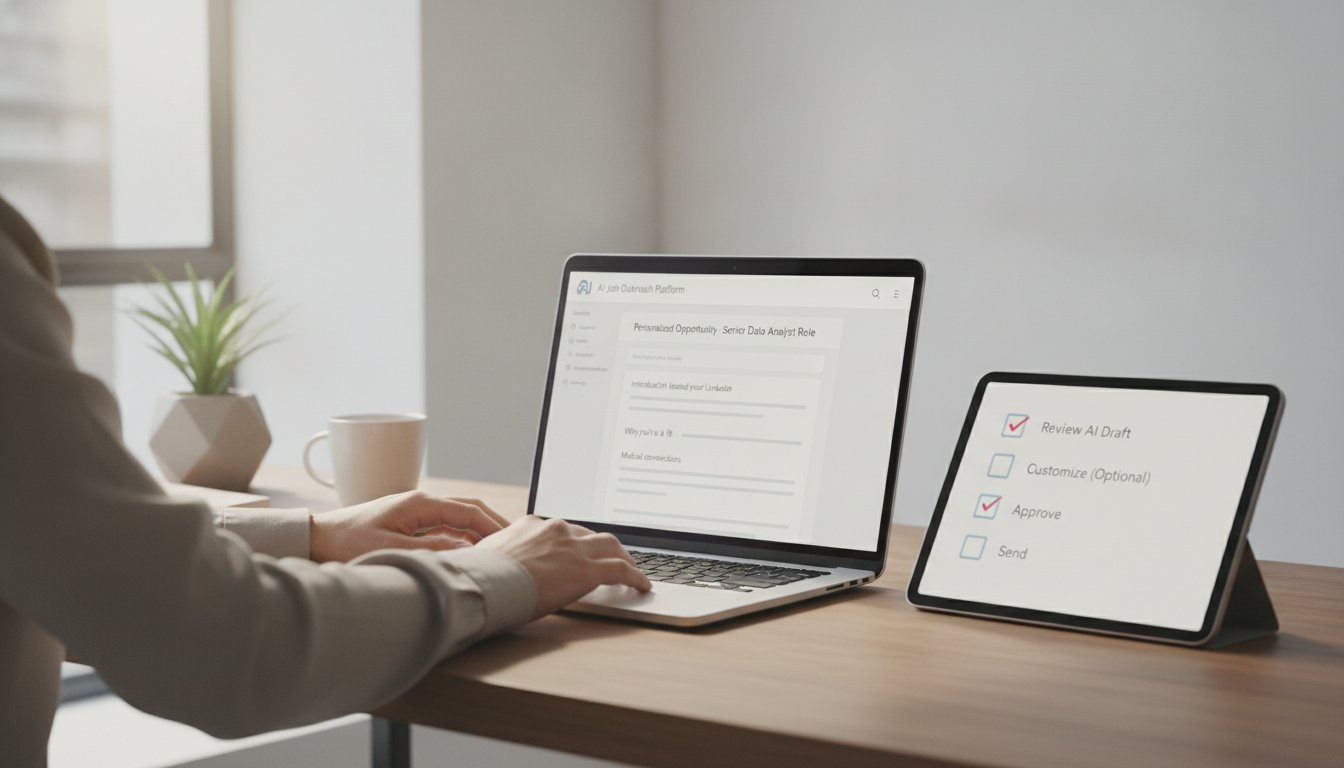
- Approval: Can you review and edit each email before it sends? Some tools require approval; others send automatically.
- Follow-ups: Does it send automatic follow-ups? Some tools schedule follow-ups in the same thread and stop when you get a reply.
Each choice affects deliverability, control, and how you handle replies. For example, sending from your own Gmail can improve trust and deliverability, but you need to grant email permissions.
Compare job-seeker outreach tools by workflow, not by hype
Use this table to compare typical features across AI outreach tools. Named examples are for illustration only; always check current capabilities on each vendor's site.
| Feature | Typical AI outreach tool | ReachPod |
|---|---|---|
| Finds recruiter or hiring manager | Yes, varies by tool | Yes, from fresh hiring posts |
| Drafts from resume + job description | Yes | Yes, around the hiring post and your experience |
| Sends from personal inbox | Some yes, some no | Yes, from your own Gmail |
| Approval before send | Some yes, some no | Yes, you approve each email |
| Automates follow-ups | Some yes, some no | — |
| Also applies to jobs | Some yes | No, we focus on outreach |
| Works from professional network hiring posts | Varies | Works from hiring posts |
| Tracks replies | Some yes | Replies stay in your Gmail |
Note: Some tools send from their own infrastructure unless you connect custom SMTP. Always confirm the sending method before you commit.
Own inbox vs platform inbox: why sending method matters
Where your email is sent from affects trust, deliverability, and reply handling.
- Own inbox (Gmail/Outlook): The recipient sees your email address, replies land in your normal inbox, and you can continue the conversation naturally. This can improve deliverability because the email comes from a real person's account. However, you must grant the tool permission to send on your behalf, and you should check what data it accesses.
- Platform inbox: The tool sends from its own address. Replies may route to a dashboard, and the recipient may see a generic address. This can be less personal and may affect deliverability.
ReachPod sends from your own Gmail, so you keep the conversation. If you prefer a tool that manages sending for you, check whether it offers a custom sending domain or SMTP.
How personalization is usually built
Personalization quality depends on the inputs a tool uses. Most tools pull from:
- Your resume or profile.
- The job description.
- The recruiter's profile or company context.
- Prior application stage (if you already applied).
True role-specific drafting matches your achievements to the job's requirements. Generic templates fill in your name and company but lack evidence. Look for controls like editable variables, tone settings, and the ability to highlight specific projects. Some tools use a dual-AI review to critique and improve drafts before sending.
ReachPod writes every email around the actual hiring post and your experience, using only publicly listed recruiter emails from the post. We don't use guessed addresses or purchased lists.
Automatic sending, approval queues, and follow-ups
Tools range from draft-only to fully automatic:
- Draft-only: The tool creates emails in your drafts folder; you review and send manually. Example: some tools save drafts to Gmail/Outlook and never send automatically.
- Approval queue: You review each email in a dashboard and approve or decline before it sends. Some tools offer this as a mode.
- Automatic sending: The tool sends without review, sometimes with daily caps. This saves time but reduces control.
Follow-ups: Some tools send automatic follow-ups (e.g., 3 and 7 business days later) in the same thread and stop when you get a reply. Others only generate a follow-up template for you to send. Check whether follow-ups are included and how they're timed.
How to choose based on your job search style
Your ideal tool depends on how you search:
- Targeted outreach for a few priority roles: You want high personalization and control. A draft-only tool or a done-for-you service like ReachPod may suit you. ReachPod focuses on fresh hiring posts from the last 24 hours, so your outreach is timely.
- High-volume outreach across many applications: You need automation and speed. Tools that auto-send and auto-apply may fit, but check approval options and deliverability.
- Networking and referral requests: Some tools specialize in finding alumni or connections and drafting referral requests.
- All-in-one apply-plus-email: Tools that both apply and email can save time, but may send from a platform address unless you connect Gmail.
If you prefer to write your own emails, a simple template and manual research may be enough. No tool guarantees replies.
Questions to ask before connecting Gmail or Outlook
Before you grant inbox access, ask:
- What permissions does the tool request? Does it only create drafts, or can it read your emails and send on your behalf?
- Does it store my resume, recruiter emails, and message history? For how long?
- What are the sending limits? Will it stay within my email provider's daily cap?
- How does it handle opt-outs or unsubscribe requests?
- Does it prevent duplicate outreach to the same contact?
- Can I pause or revoke access easily?
ReachPod uses your Gmail to send outreach, and replies stay in your inbox. We recommend reviewing any tool's privacy policy before connecting.
Frequently asked questions
Should I email the recruiter or the hiring manager?
The hiring manager often owns the role and can make hiring decisions, while recruiters coordinate the process. A short note to the person who owns the role can be more effective than a message to a generic company address. Some tools help you find either contact.
Do these tools work with professional network job posts?
Many tools import jobs from professional networks or let you generate outreach from a hiring post. Some are browser extensions that work directly on the network. Check whether the tool supports the job boards you use.
Can I send from my personal Gmail with these tools?
Some tools send from your own Gmail or Outlook, while others use their own sending address. Sending from your own inbox keeps replies in your mailbox and can improve deliverability, but requires granting email permissions.
Are automatic follow-ups safe?
Automatic follow-ups can be safe if they are limited (e.g., one or two) and stop when you get a reply. Too many follow-ups may seem pushy. Check the tool's follow-up schedule and whether you can customize it.
Are recruiter-side sourcing tools the same category?
No. Recruiter-side tools help recruiters find and contact candidates, while job-seeker outreach tools help candidates contact recruiters. They serve different users and have different features. This page focuses on job-seeker tools.
How does ReachPod handle personalization?
ReachPod writes every email around the actual hiring post and your experience, using only publicly listed recruiter emails from the post. We don't use guessed addresses or purchased lists.
Start your search
Ready to stop searching and start conversations? Tell us the role you want and we'll call you back. We'll find fresh hiring posts, write personalized outreach, and send from your Gmail—so you stay in control. Contact us at reachpodofficial@gmail.com.